

To achieve better search results and add only highly targeted tweets to your X (Twitter) feeds, you can use standard X (Twitter) search operators.
If you wish to search for tweets that mention a specific keyword, simply specify this keyword or phrase in the text field:

A separate feed will be generated for each specified keyword.
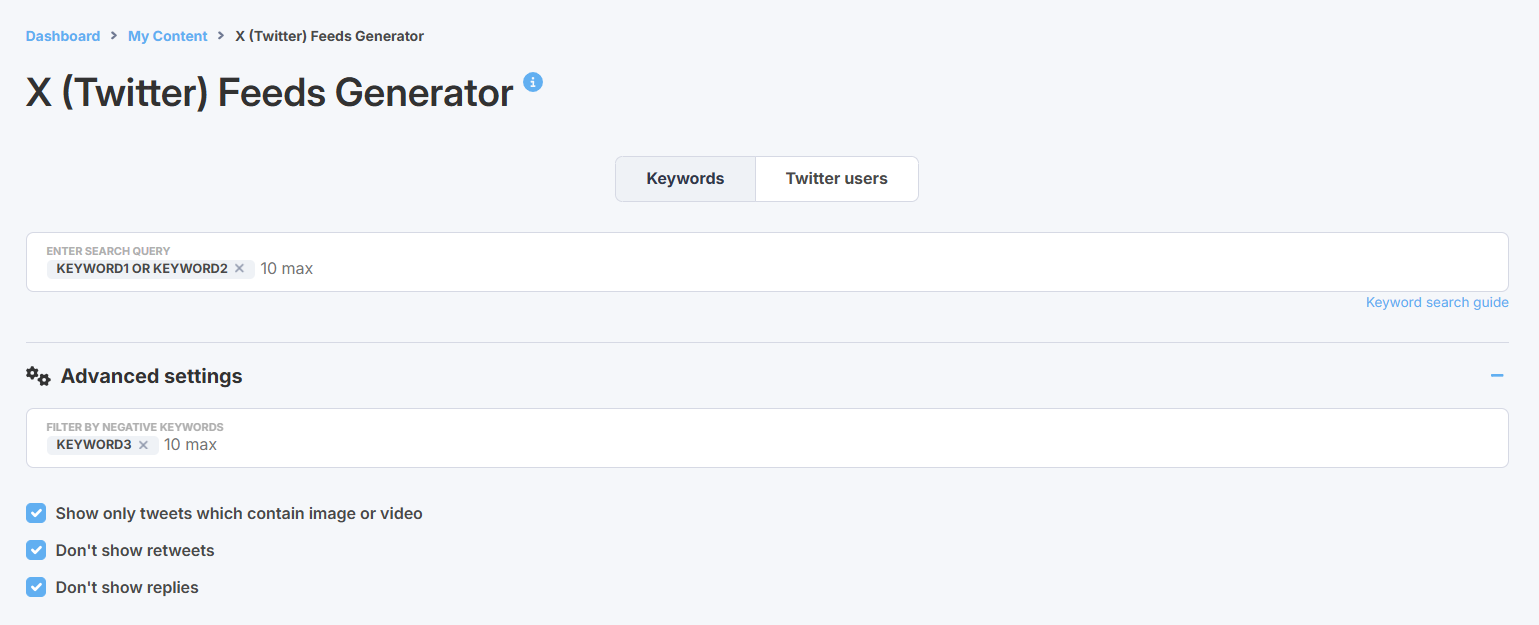
If you wish to search for tweets that mention at least one of the targeted keywords, you can use OR operator:

You can also use the Filter by negative keywords option in Advanced setting. This will filter out tweets that mention at least one of specified keywords:
If you wish to search for tweets that mention several keywords at a time you can specify your keywords in a single search string using "+":

If you wish to search for tweets that mention an exact phrase, use quotes ( "keyword 1 keyword 2"):

You can also search for tweets that mention a hashtag or a Twitter user:

Here is the full list of standard Twitter search operators:
