

One of the best ways to search for Best Buy products is by category.
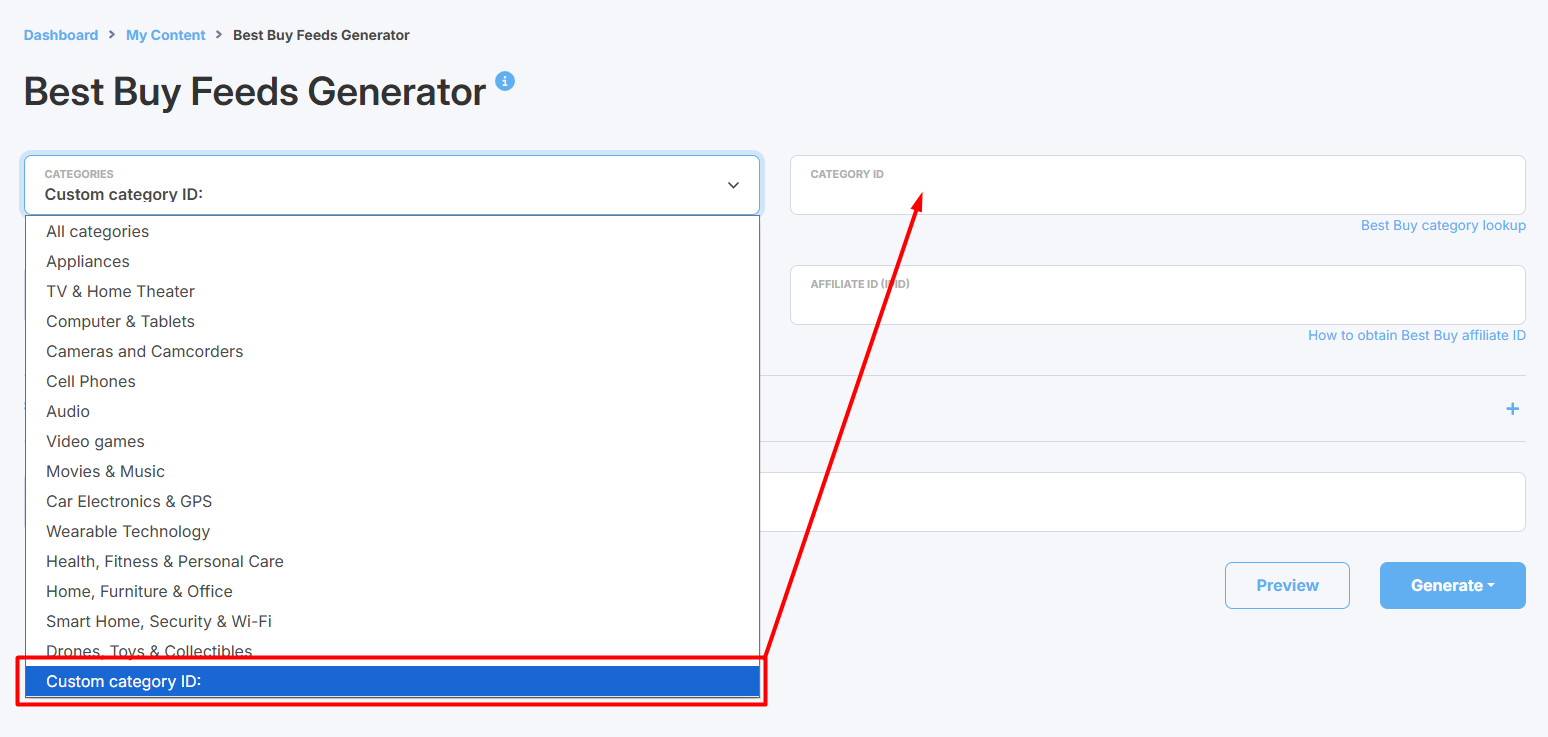
By default, the Best Buy Feeds generator provides a list of original Best Buy top-level categories. However, because there are thousands of them, you may not see the specific category you need on the list. If that happens, you can use a category ID to customize your search. In the Categories option, scroll to the bottom of the list and select the Custom category ID option:
Go to the Best Buy directories

Find the directory or sub-directories you need from the list.
Choose your desired directory and pay attention to its URL:


Alternatively, you can use Best Buy's main navigation menu:
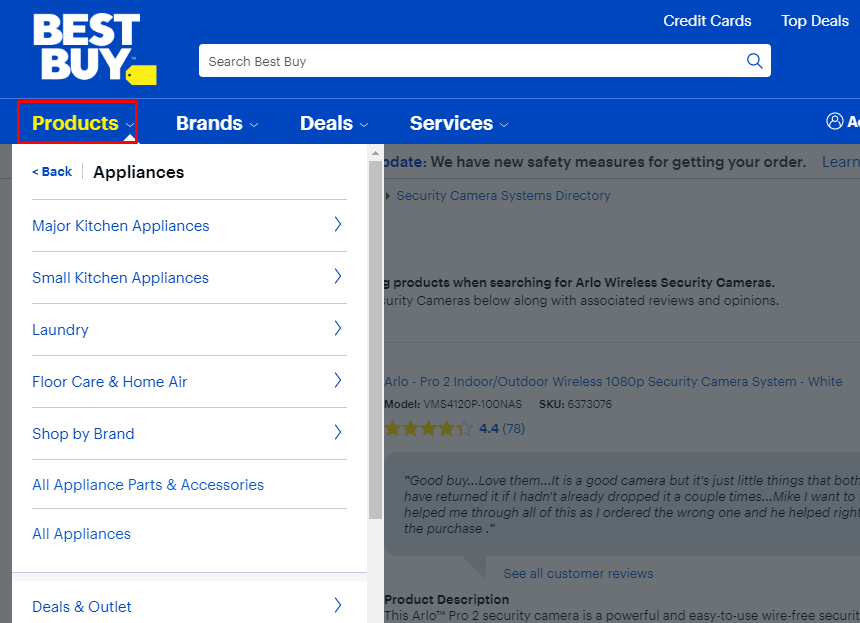
Go to Products and choose the category you need.
You will find the category ID right inside the category URL:

